Dependencies Panel
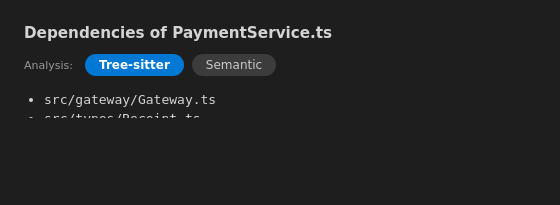
The Dependencies panel lists the files the active file depends on. Open it with Travsr: Show Dependencies from the command palette or the Travsr Graph view title bar.
Analysis toggle
At the top of the panel an Analysis toggle switches how dependencies are resolved:
- Tree-sitter: structural import and call edges from the Phase A parse. Always available.
- Semantic: precise resolved edges from Phase B (SCIP/LSIF). Enabled once semantic analysis is available for the file's language; otherwise the pill is disabled with an install hint.
Below the toggle, each dependency is listed as a file path.
Backed by get_dependencies
The panel calls the get_dependencies MCP tool. Refresh the panel after indexing to pick up new imports.
Command
Travsr: Show Dependencies
Available from the Travsr Graph view title bar.