travsr repos
List and manage repositories in the Travsr registry.
Synopsis
travsr repos [flags]
Flags
| Flag | Description |
|---|---|
--prune | Remove registry entries whose database file no longer exists on disk |
--remove <name> | Remove a specific repo entry by name |
--json | Output as JSON |
Default output
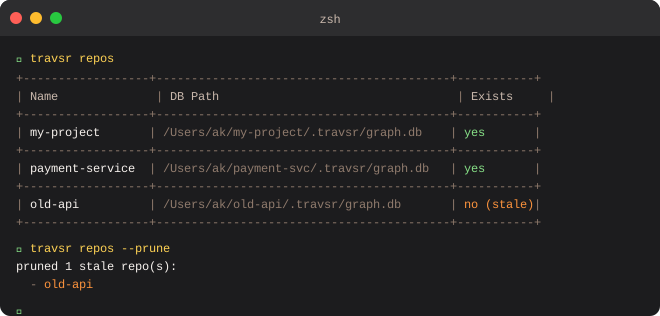
Running travsr repos prints a table of all registered repositories:
+------------------+-------------------------------------+------------+
| Name             | DB Path                             | Exists     |
+------------------+-------------------------------------+------------+
| my-project       | /Users/ak/my-project/.travsr/graph.db | yes      |
| payment-service  | /Users/ak/payment-svc/.travsr/graph.db | yes     |
| old-api          | /Users/ak/old-api/.travsr/graph.db  | no (stale) |
+------------------+-------------------------------------+------------+
Exists is yes when the .travsr/graph.db file is present on disk, or no (stale) when the registry entry points to a path that no longer exists.
Pruning stale entries
Remove all entries whose database file is gone:
$ travsr repos --prune

pruned 1 stale repo(s):
  - old-api
Removing a specific repo
$ travsr repos --remove old-api

removed repo 'old-api'
This removes the registry entry only. It does not delete the directory or the database file if it still exists.
JSON output
travsr repos --json
Returns an array of objects with name, db_path, and exists fields.
VS Code
The Registered Repos panel in the VS Code sidebar shows the same information with one-click Prune stale and per-row remove buttons. See Repos Panel.